 Applotra
MORE ACCOUNTS. LESS SWITCHING.
All your accounts.
Their own spaces.
Codex, Claude and Chrome with separate profiles. Keep work and personal accounts, launch settings and connections in one app.
macOS 13+ · Apple Silicon · 7 days after sign-in
SPACE FOR YOUR WORK
Everything at hand.
Every account separate.
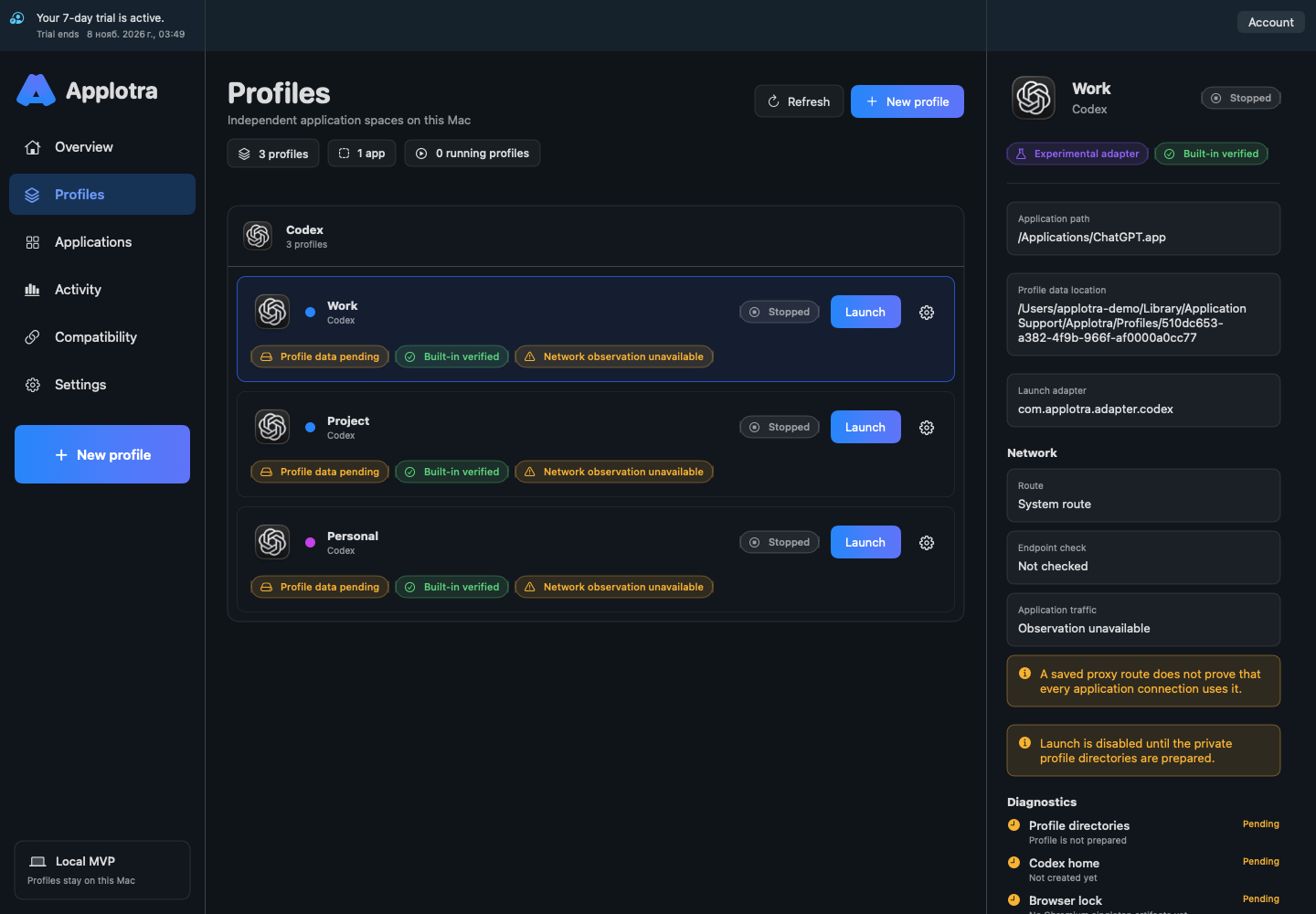
From your first work profile to the settings for each connection.
MEET APPLOTRA
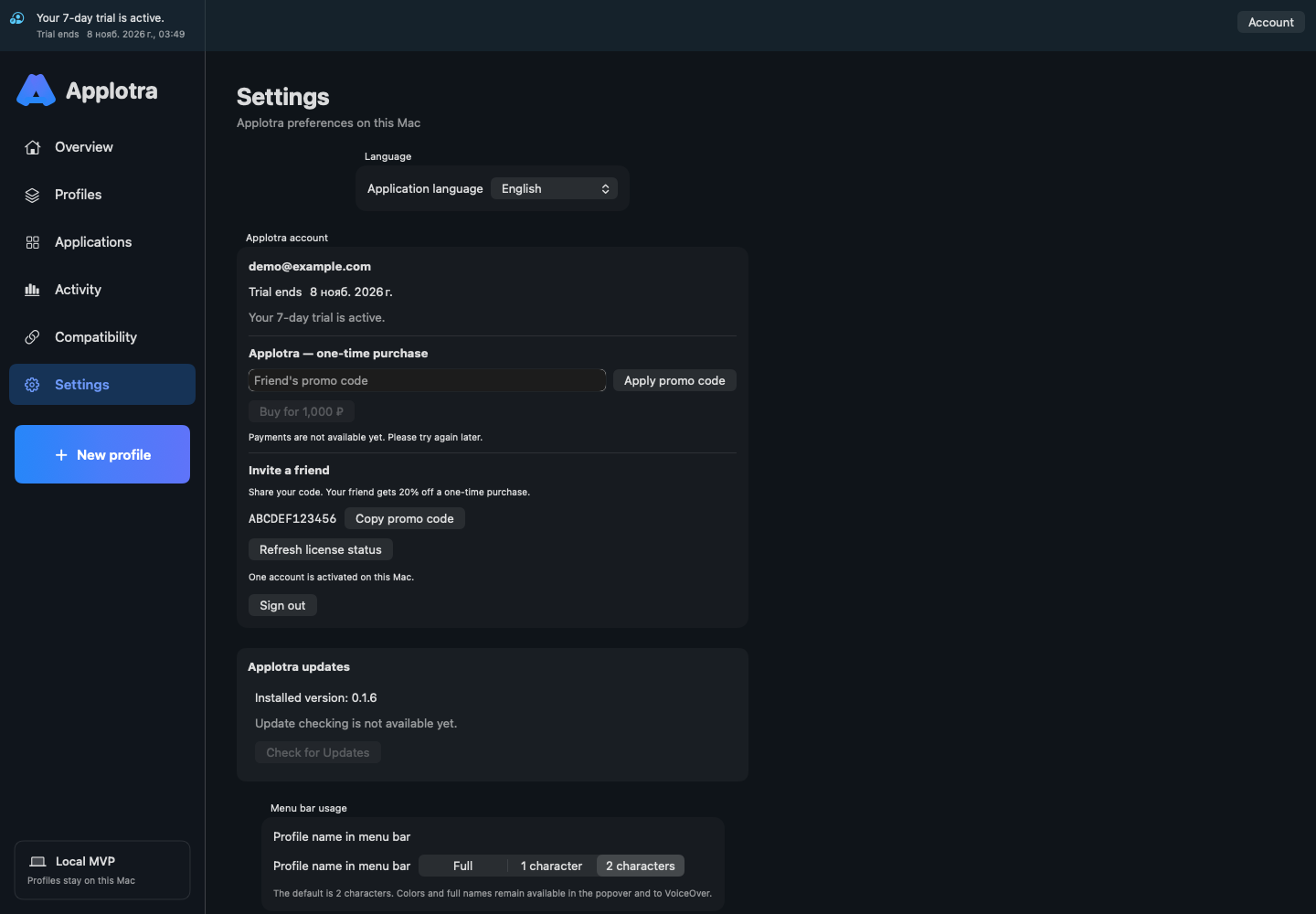
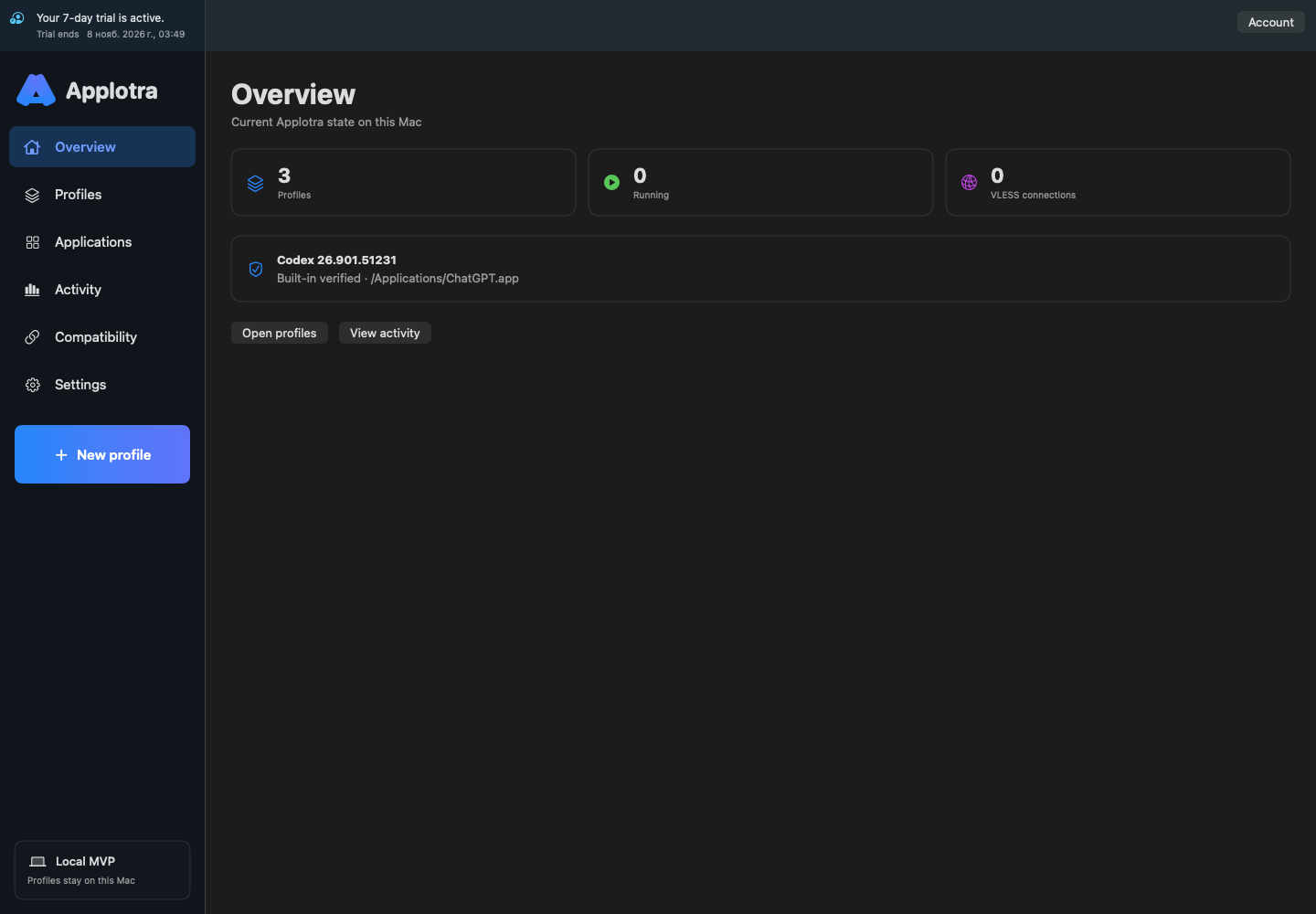
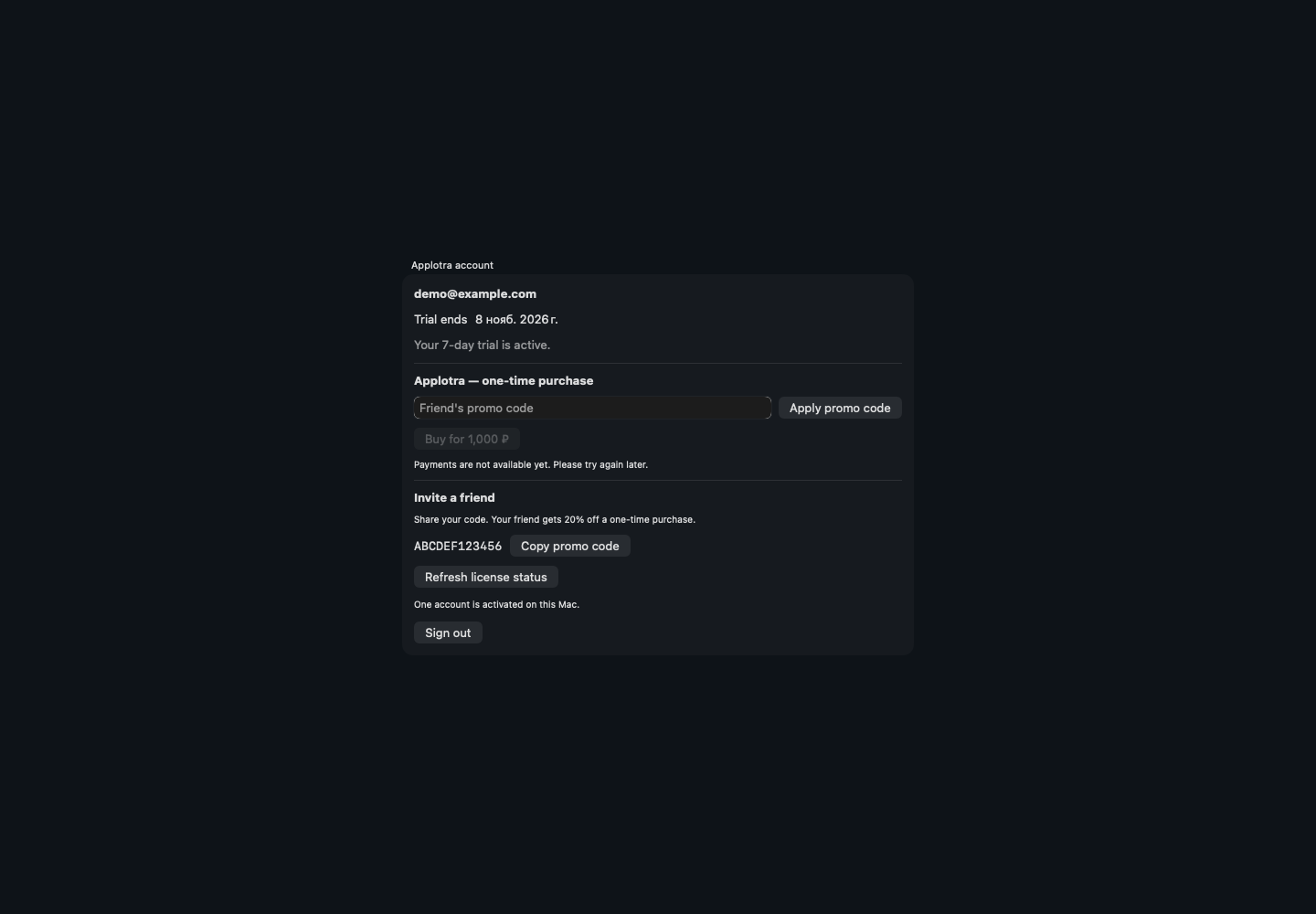
Your applications.
In one window.
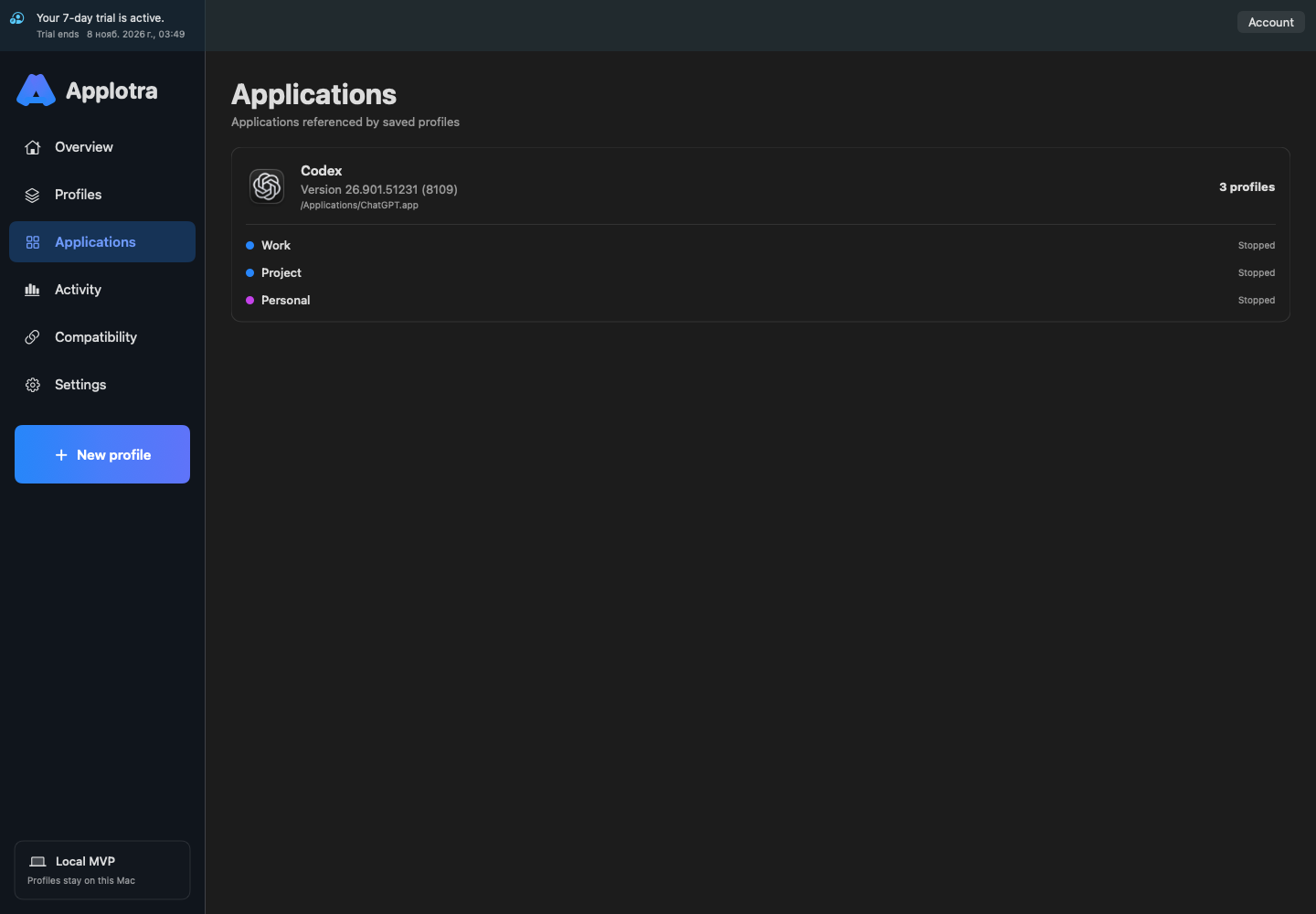
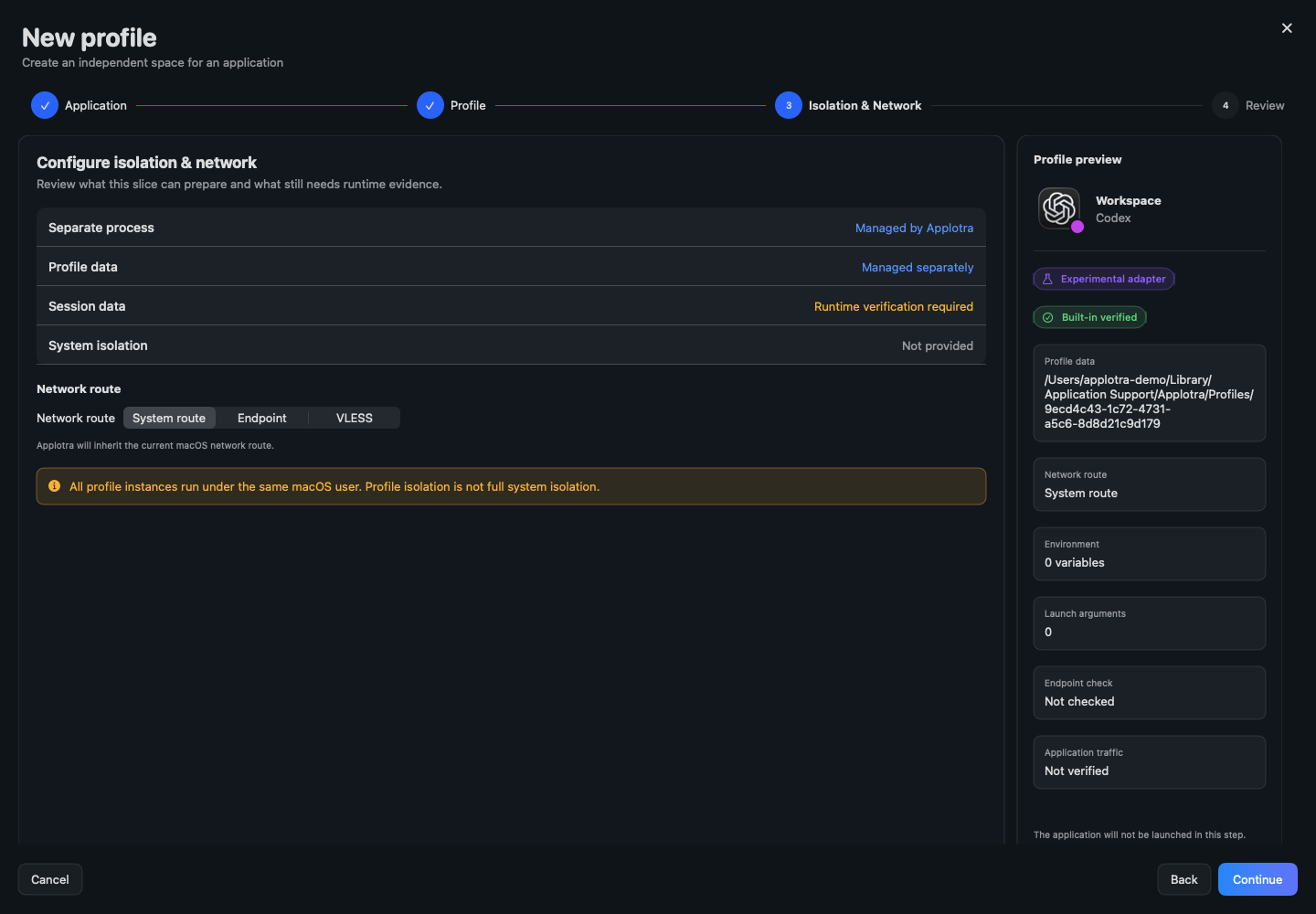
Explore Applotra screens for Mac. Screenshots use demonstration profiles and data.
START WITH ONE PROFILE
Your own space
in a few steps.
Install Applotra
Download the Apple Silicon DMG and drag the app to Applications.
Sign in to your account
Verify your email. Your trial starts after your first successful sign-in.
Create a profile
Choose an installed app, give the profile a name and sign in to your chosen account in its window.
QUESTIONS?
Let’s clear them up.
Which apps are supported?+
Applotra manages profiles for Codex Desktop, Claude Desktop and Google Chrome. Compatibility is checked for the installed app version.
Do I need an account and internet?+
Yes. The trial starts after email verification and sign-in. An online access check is required before launching a profile. Already running profiles are not forcibly closed if the connection is lost.
Is this full isolation or a VPN?+
No. Profiles separate app data. A saved proxy route does not guarantee that every app connection uses that route.
How much does the app cost?+
You can currently download the app and start a 7-day trial after sign-in. Payments are not available yet. New launches are locked after the trial, while your data is preserved.
Is there a Windows version?+
Windows Preview is developed separately. Account and licensing integration is not complete, so a current protected build is not published here yet.
How do updates work?+
Applotra checks for new versions. Download and installation remain manual. This site offers version 0.1.6 (7).
MAKE ROOM FOR YOUR WORK
Less switching.
More space for you.
Download Applotra and create your first profile. 7 days after email verification and sign-in, without adding a card.
Download for macOSSHA-256Windows version is being prepared
A download will appear after account integration and build verification.New launches are locked after the trial. Payments are not available yet; your data is preserved.